 Post Hope Production
Take what you need.
Things I built for myself because something was missing.
If they help me, they might help you.
No account, no email address, no newsletter.
Click, download, done.
Everything here is free for private use. Passing it on is fine, selling it is not.
A desk with fields.
My desktop looked the same for years: full. And a full desktop does not mean „plenty to do“ to me, it means „none of this exists“. Icons spread out, pile up, and hunting for one takes longer than the thing I set out to do.
So I built myself a background with fields in it. You drag an icon in and it stays visible where you put it. No program, no install, just a picture.
The fields carry no labels on purpose. What goes where is yours to decide. The point is not the colours, it is that every thing gets a fixed place and you find it again without looking.
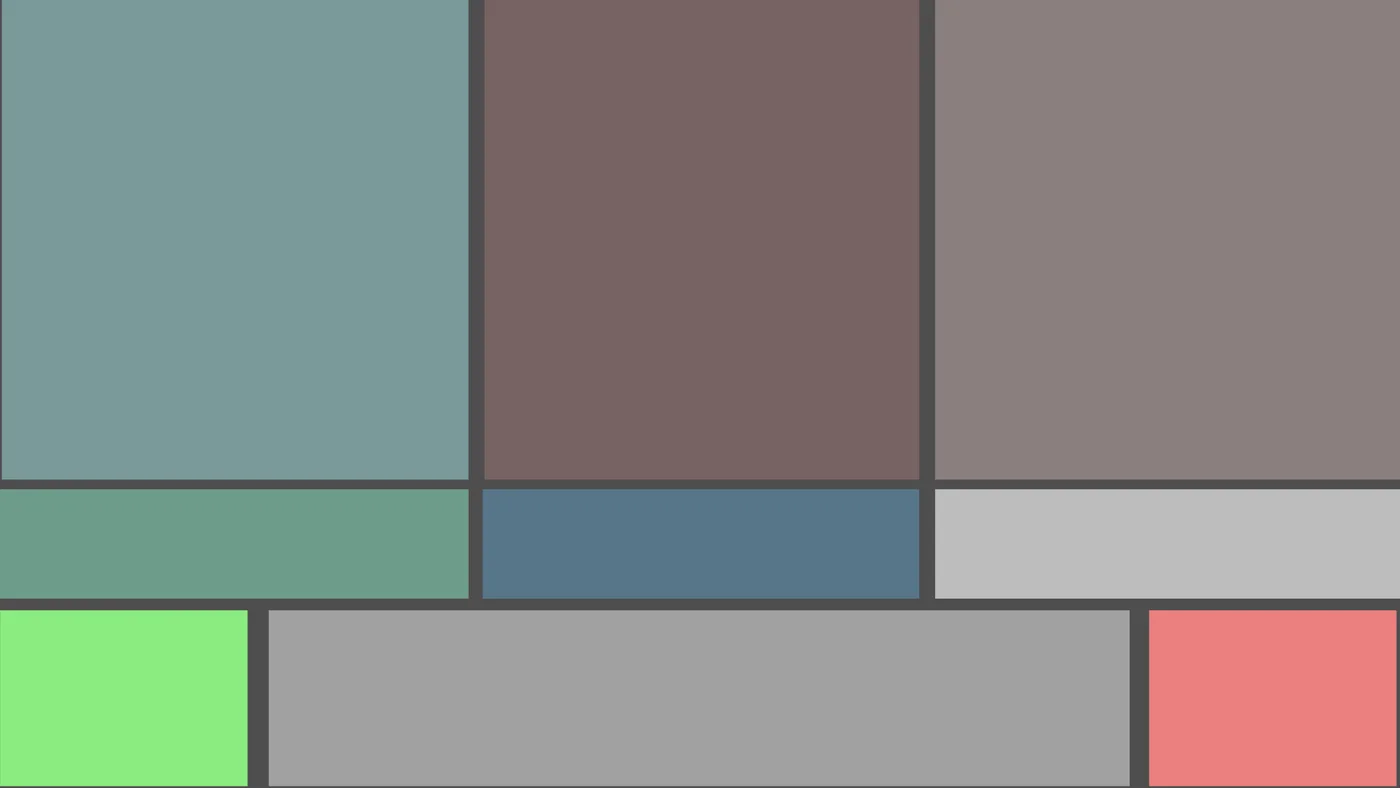
2560 × 1440, 16:9. Fits most screens. Because it is only flat areas, it stays clean when scaled.
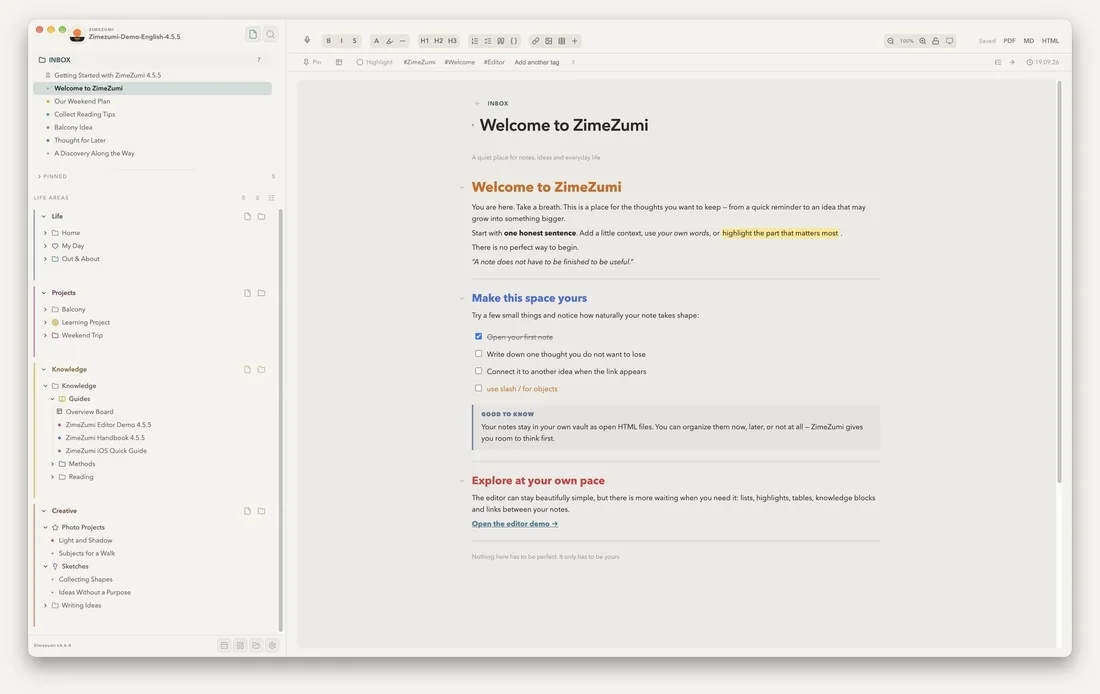
Zimezumi, already filled.
An empty notes app tells you nothing. You see a folder tree and a white page and are supposed to imagine what it will look like in a year. That does not work, at least not for me.
So here is the vault I use to show Zimezumi myself: four life areas, 37 notes, a few attachments. A weekend trip, a balcony project, reading tips, a daily note. All made up, but the way it could really look at someone's place.
Unzip it, start Zimezumi, pick this folder as your vault. Then click around and after two minutes you will know whether it suits you. Your own notes are not touched, and when you are done you simply delete the folder again.
In English, for Zimezumi 4.5.5 or later. The photos inside come from Pexels and are free to use. Zimezumi itself is in the store, the first 14 days run without a licence.
Claude, connected.
Install Claude Code, connect Zimezumi and Kendoshi, give Claude its working rules. About 20 minutes.
The trick with my apps is not the app, it is what Claude does with it: search and write notes, create tasks, plan the day. For that both have to be connected via MCP, and Claude has to know what goes where.
The setup kit is exactly the guide I use myself: every command ready to copy, a prompt to check the connection, and the working rules as a finished CLAUDE.md, so Claude stops asking whether it should use the tools.
The ZIP holds the guide as HTML, which also drops straight into Zimezumi, the CLAUDE.md and a short README.
In English. Needs Claude Code (Pro, Max or Team), Zimezumi Desktop 4.5.4 or newer and Kendoshi. The same guide is also on the Kendoshi support page.
Finished things land here.
This page collects things you can use straight away.
What I build usually comes out of being annoyed by something that does not work. When the result is useful to someone else too, it ends up here.
Only finished downloads appear here, with no waiting list and no promised dates.
What is missing on your desk?
If something comes to mind that would make your day easier, write to me. I build small things for myself all the time, and some of them are quick.
help@posthopeproduction.com