
 Kendoshi
This is where Kendoshi lives.
A native Mac app: a sidebar with folders and projects,
a board with custom columns, the keyboard everywhere,
a menu bar icon – and an entry window
that floats above everything.
Real interface with fictional sample data · Shortcuts and menus as shown in this version
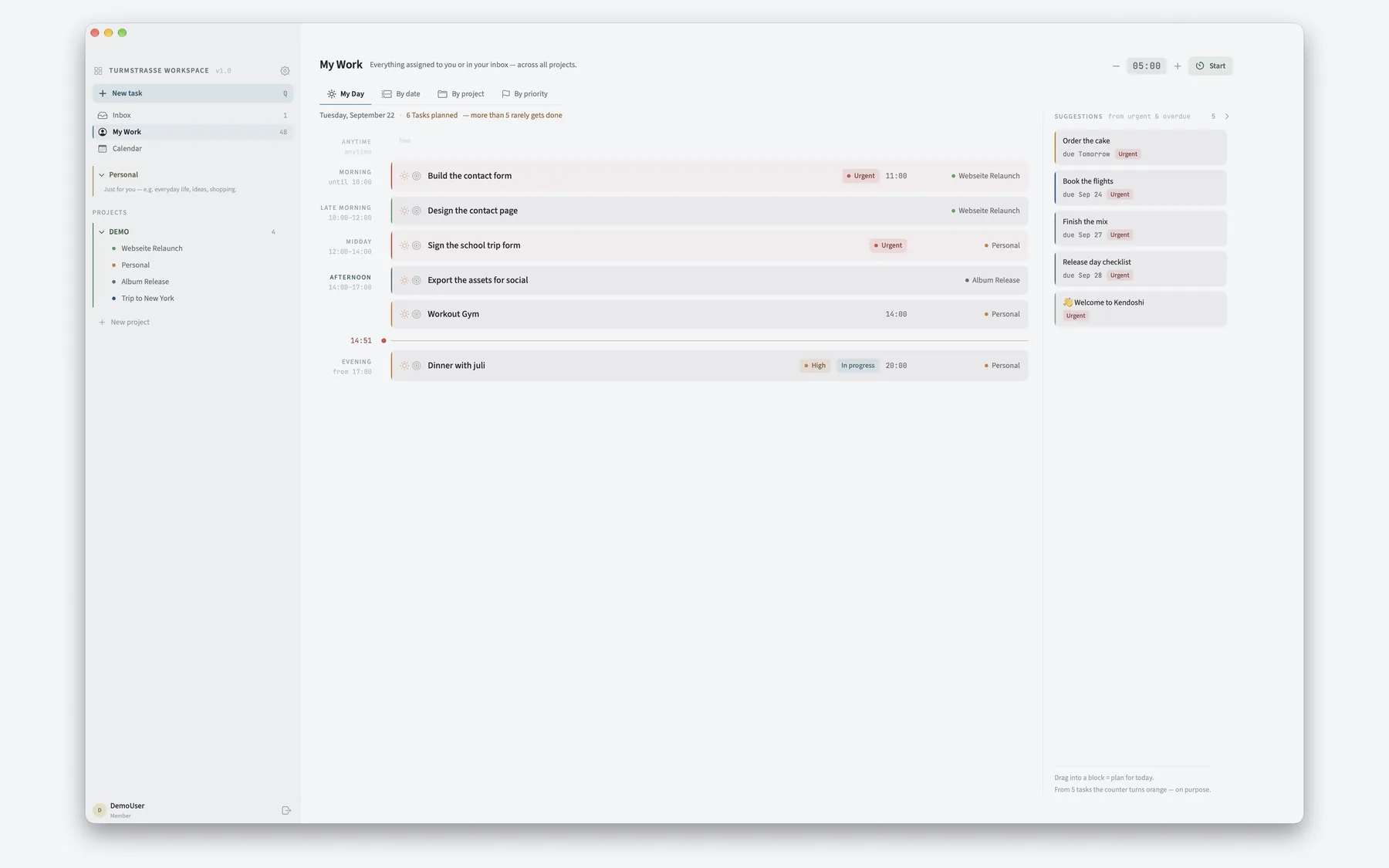
Sidebar on the left, work on the right.
Inbox, My Work and Calendar at the top, below them your personal area and the team projects in folders. You set the width of the sidebar; each project remembers its own column widths on the board.
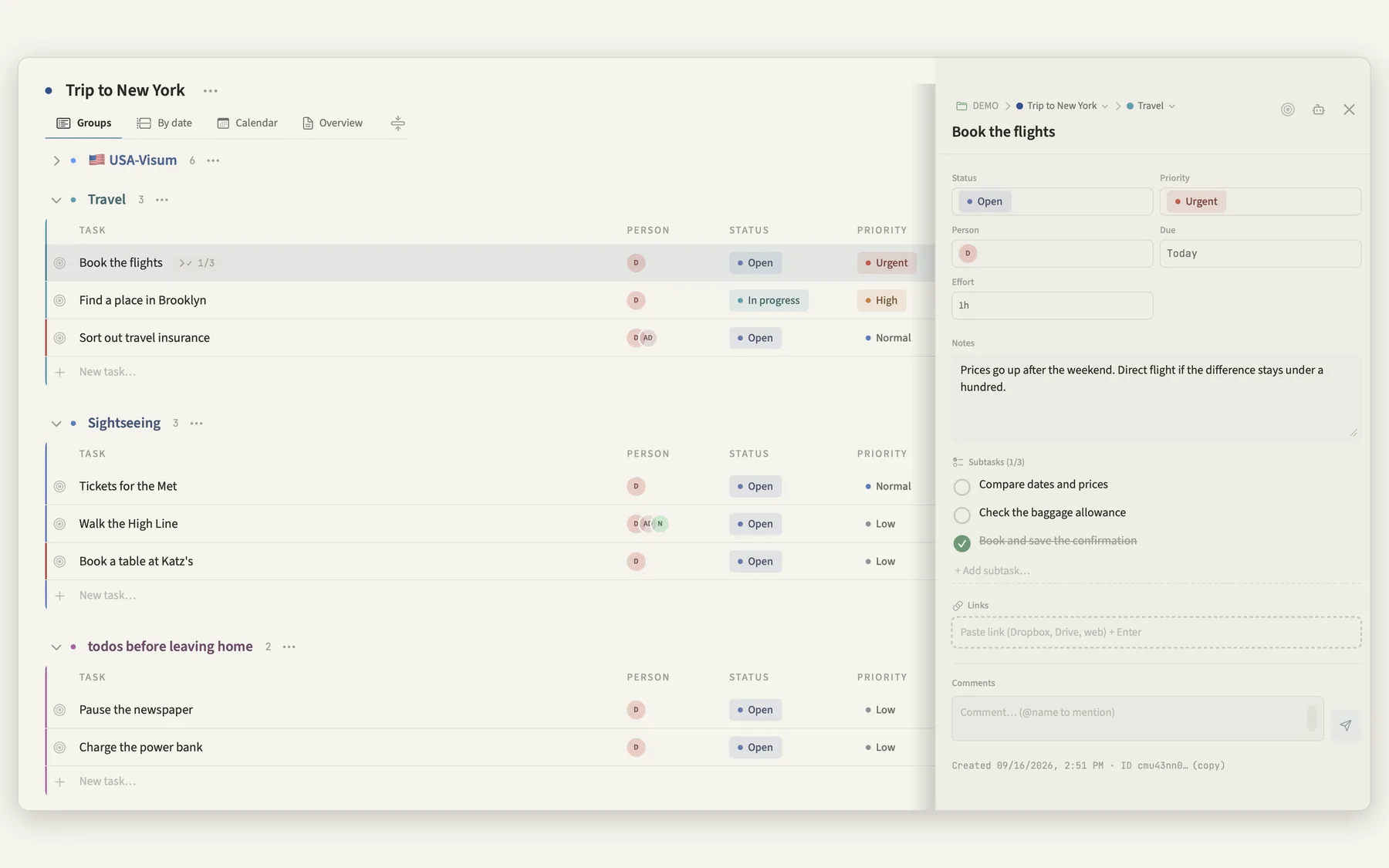
A single click opens the task in the panel on the right, a double click renames it. Escape always closes the topmost layer, ↑ and ↓ move between tasks.
A keyboard shortcut brings a narrow entry window above whatever is open. Type a line, press Enter, and the window disappears again. The menu bar icon offers the same route, plus “Open Kendoshi” and the backup.
Inside the app the Q key is enough. Without a project everything lands in the inbox. You can tidy up later.
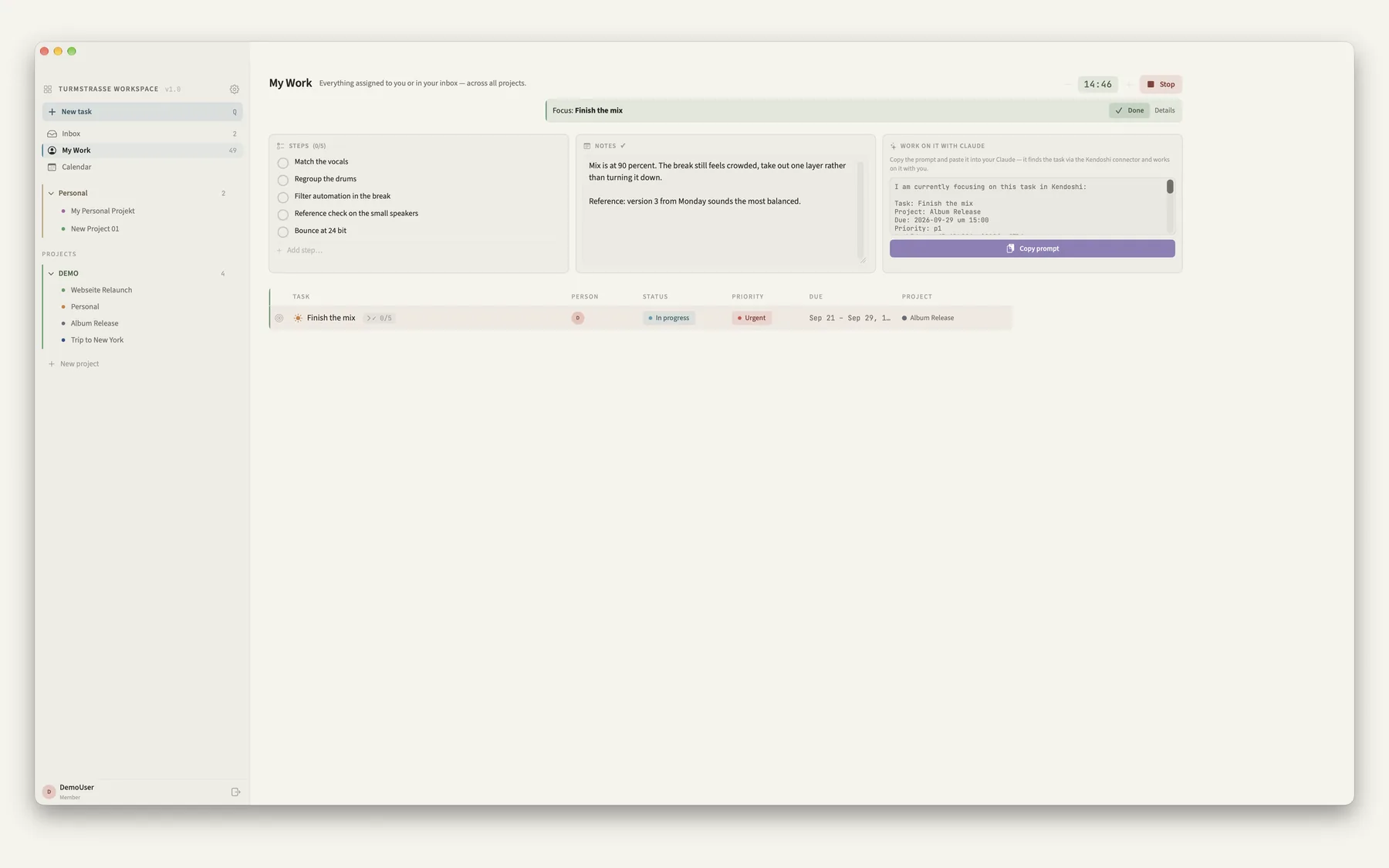
From any app, no detour.
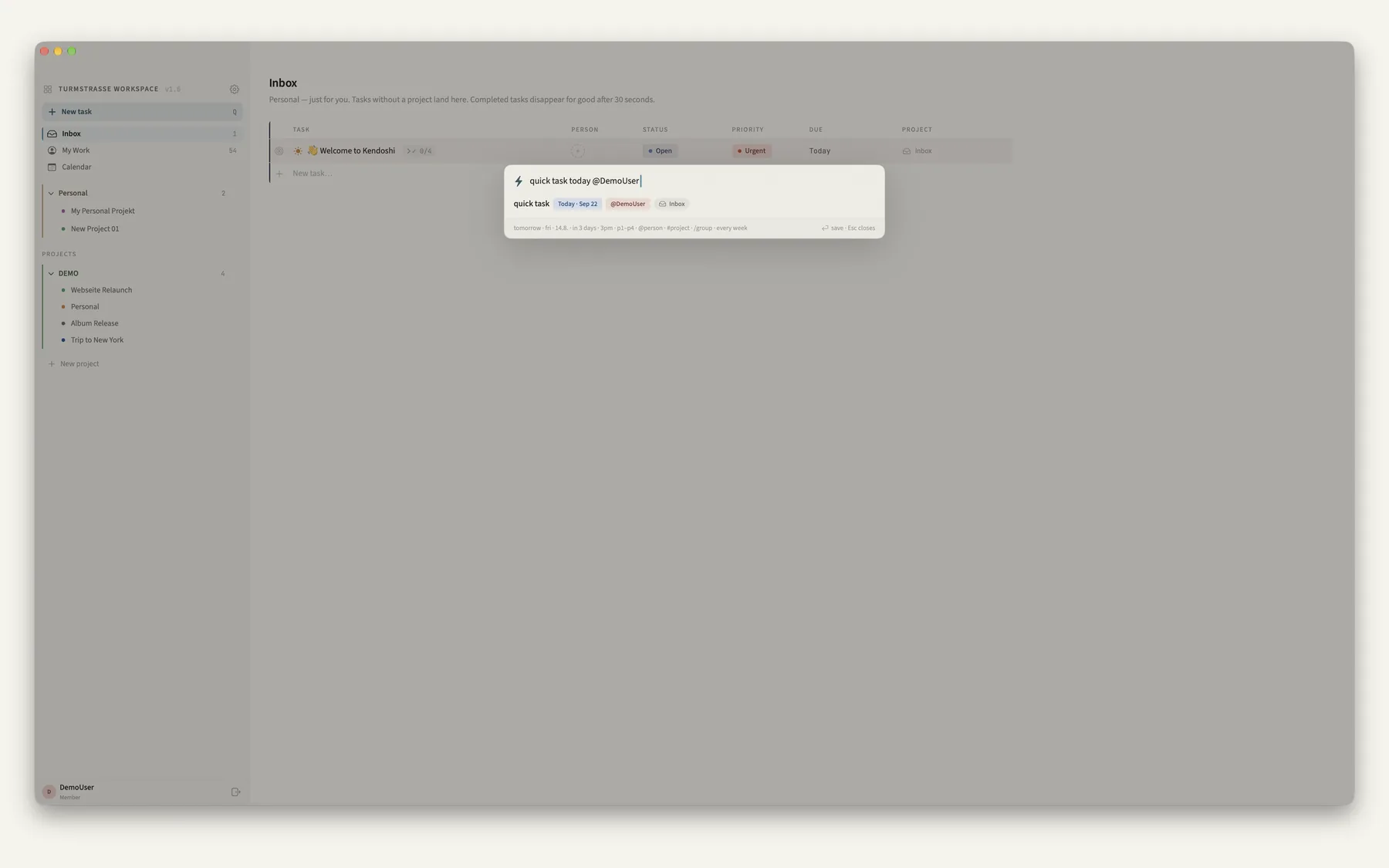
Example: “Finish mix tomorrow 3pm p1 #album every week” → title, date, time, priority, project, recurrence
Calendar, mail, your AI client.
Kendoshi pulls events from Apple Calendar into the week view, dashed and display only. A mail from Apple Mail dragged onto a group or a day block becomes a task, with the subject as the title.
Apple Calendar
Switch it on and access is requested only then. Your events stay in the calendar, Kendoshi doesn't change them.
External feeds
Subscribe to ICS links, for example an agency's booking feed. Optionally all-day entries only, hideable at any time.
Notifications
A reminder 30 minutes before tasks with a time, a sound at the end of the pomodoro, a number on the dock icon.
Your own AI client
No AI is built in. In solo mode you can switch on a local access point through which your own client reads, creates and updates tasks. Reachable only on your machine, its own token, off by default.
A backup in one file.
“Work alone” is the default: your data lives locally and in your private iCloud database. You export a backup deliberately, as a file. Nothing runs quietly in the background.
Deleted items stay in the archive for 30 days, with their date on the entry. After that they are gone.
Keyboard instead of click paths.
Q opens the entry field, Enter saves, Escape closes the topmost layer, ↑ and ↓ walk through the tasks. The rest is one click.